
Look beyond the space in front of the keyboard
Homes and Gardens' office checklist connects dusting open shelving with attention to floor areas beneath the desk, light switches and accumulated papers. Those locations require different forms of care: loose dust needs removal, device surfaces need compatible handling, and unused paperwork needs a decision. Treating them as separate parts of the workstation prevents a clear patch beside the laptop from standing in for an office clean.
Work from shelves down to the desk
Homes and Gardens' office guide recommends regular dusting of open shelves and work surfaces, starting high so debris does not settle onto freshly cleaned lower areas. Microfiber cloths can collect dust from suitable surfaces, and a brief reset when work finishes helps keep the desk available for the next day.
Include the overlooked contact points
The guide also draws attention to equipment and high-touch surfaces such as switches. Follow the device manufacturer's cleaning method and keep liquid away from vulnerable openings rather than treating electronics like an ordinary countertop. A clear desktop supports cleaning, but the routine should also address the shelves, floor and touch points that are easy to overlook during a busy workweek.
Give the floor and paperwork different appointments
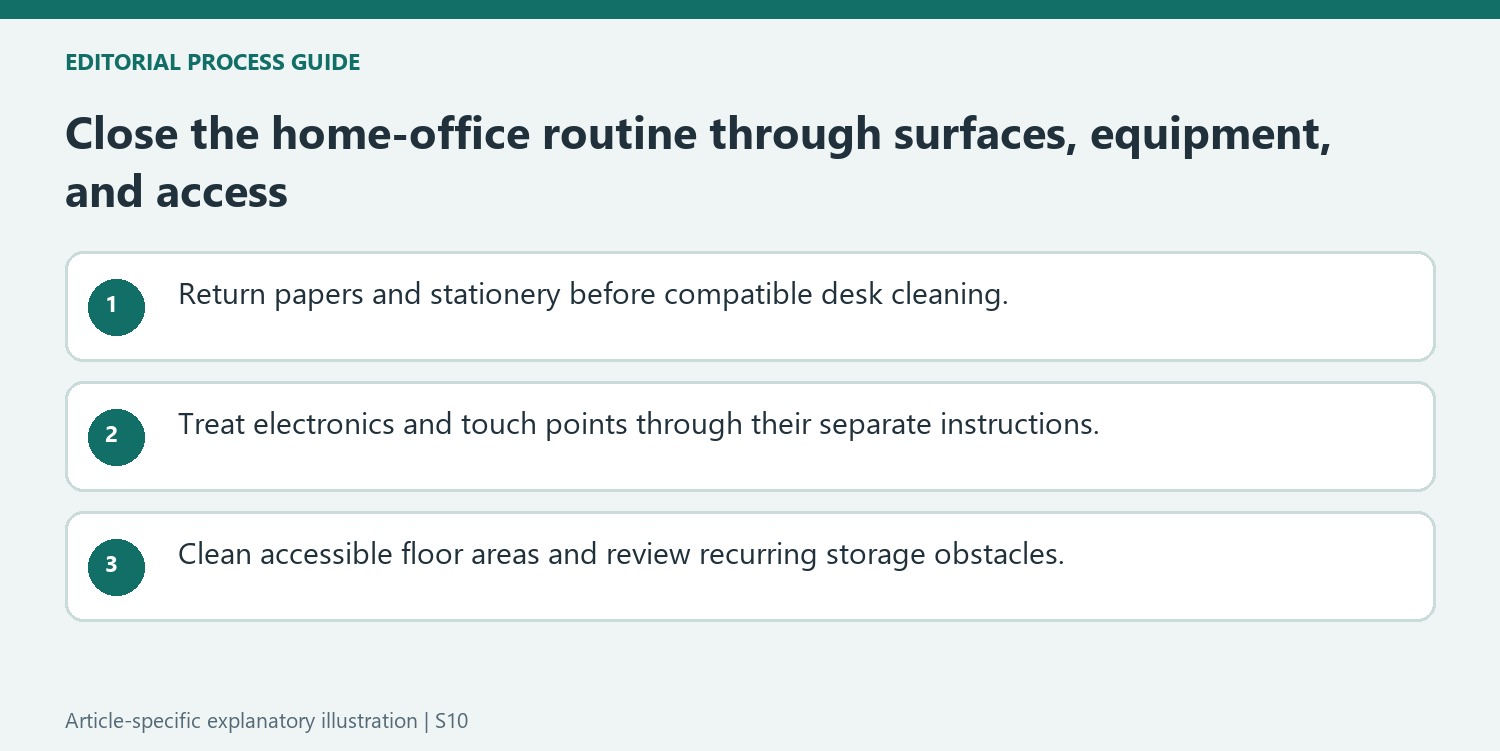
The source also calls attention to dust beneath the desk and around cables. Clear access before vacuuming so the cleaner does not pull at leads or equipment. Keep that physical cleaning separate from a monthly review of papers, spare pens and unused technology: moving a pile from one corner to another does not resolve the clutter. A short closing reset can cover rubbish, loose stationery and the next day's clear working area. More involved sorting belongs in a separate session. Switch devices off when their instructions require it, and use a compatible method around screens and openings rather than spraying the whole workstation.
Make the desk reset a defined end-of-work action
The source links desk wiping to finishing a work session. Before doing that, return loose stationery, direct papers to their appropriate action or storage location, and remove waste. Keep documents and devices out of the wet-cleaning area. Choose the method for the actual desk finish rather than assuming an all-purpose spray is universally suitable. A short reset should leave the surface ready for its next use without requiring a full filing project every evening. If an item has no clear destination, identify that separate organizational decision instead of moving it behind the monitor. Store cleaning supplies appropriately so convenience does not expose papers or electronics to leaking products.
Separate furniture care from equipment care
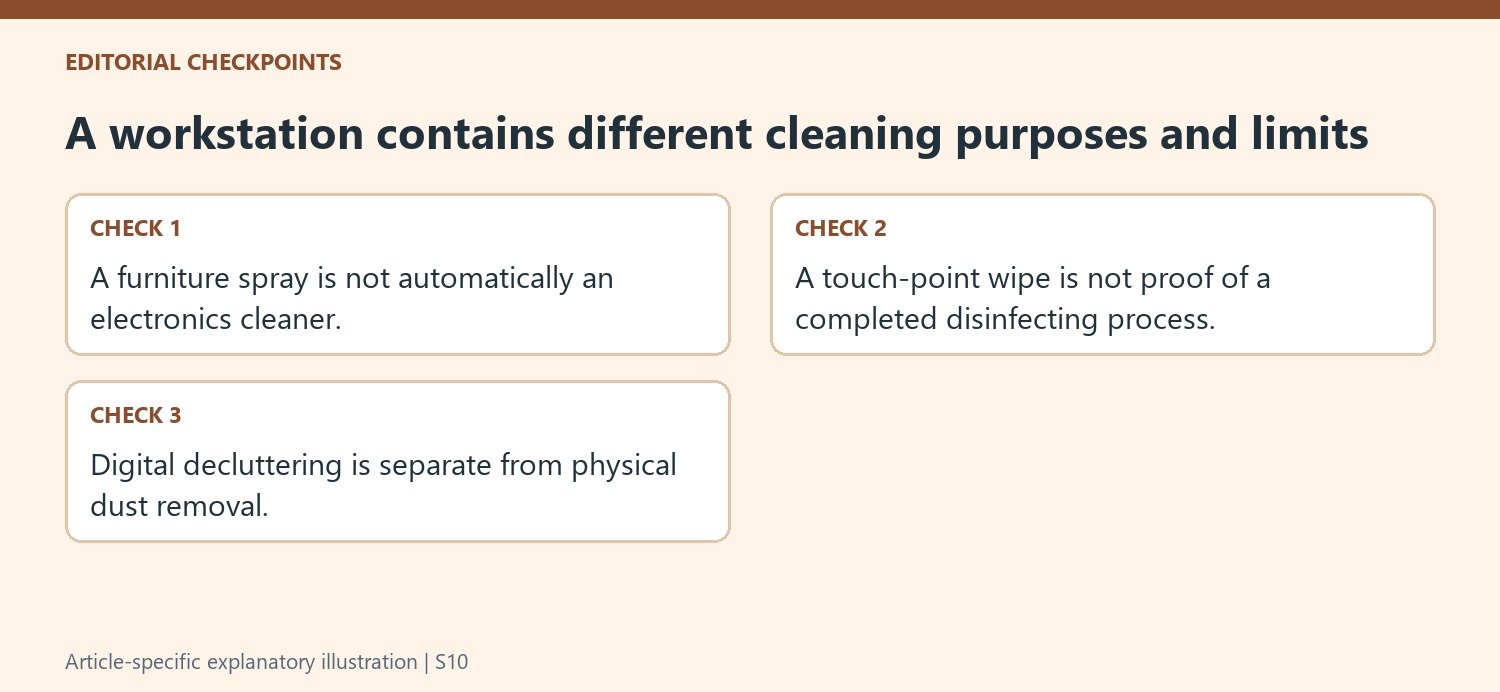
Shelves and desktops can be dusted in a higher-to-lower order using suitable tools. A screen, keyboard, power supply, or other device needs its own manufacturer's cleaning directions, including power and moisture precautions. Do not spray directly into equipment or assume the same cloth and product can move from furniture to every electronic surface. Around switches and handles, identify the finish and any electrical limitations before cleaning. When disinfection is appropriate, the product label controls application and contact requirements. A quickly wiped switch is not automatically evidence that a complete disinfecting procedure occurred. Keep the task description specific enough to distinguish dust removal, ordinary cleaning, and any additional treatment.
Use the floor stage to review access around the workstation
The article highlights the space beneath the desk and around cords because it is easy to overlook. Use an appropriate floor tool without pulling, compressing, or tangling equipment leads. Keep device ventilation and required access clear. A wider periodic review can address accumulated papers, unused pens, and obsolete technology through suitable storage, secure disposal, or recycling routes. Digital organization is a separate task and should not be confused with cleaning the room's surfaces. Finish by returning the chair and belongings to usable positions and maintaining the cleaning tools. Assess the routine through accessible work areas and completed care rather than promising that a cleaner office will produce a particular measurable increase in productivity for every person.
References
- How to clean your home office space so it's a 'productivity hub, not a dust collector' – 5 tips from professional cleaners. Homes and Gardens; Ottilie Blackhall.
Homes and Gardens' office checklist connects dusting open shelving with attention to floor areas beneath the desk, light switches and accumulated papers. Those locations require different forms of care: loose dust needs removal, device surfaces need compatible handling, and unused paperwork needs a decision. Treating them as separate parts of the workstation prevents a clear patch beside the laptop from standing in for an office clean.


Leave a Comment
Comments (0)